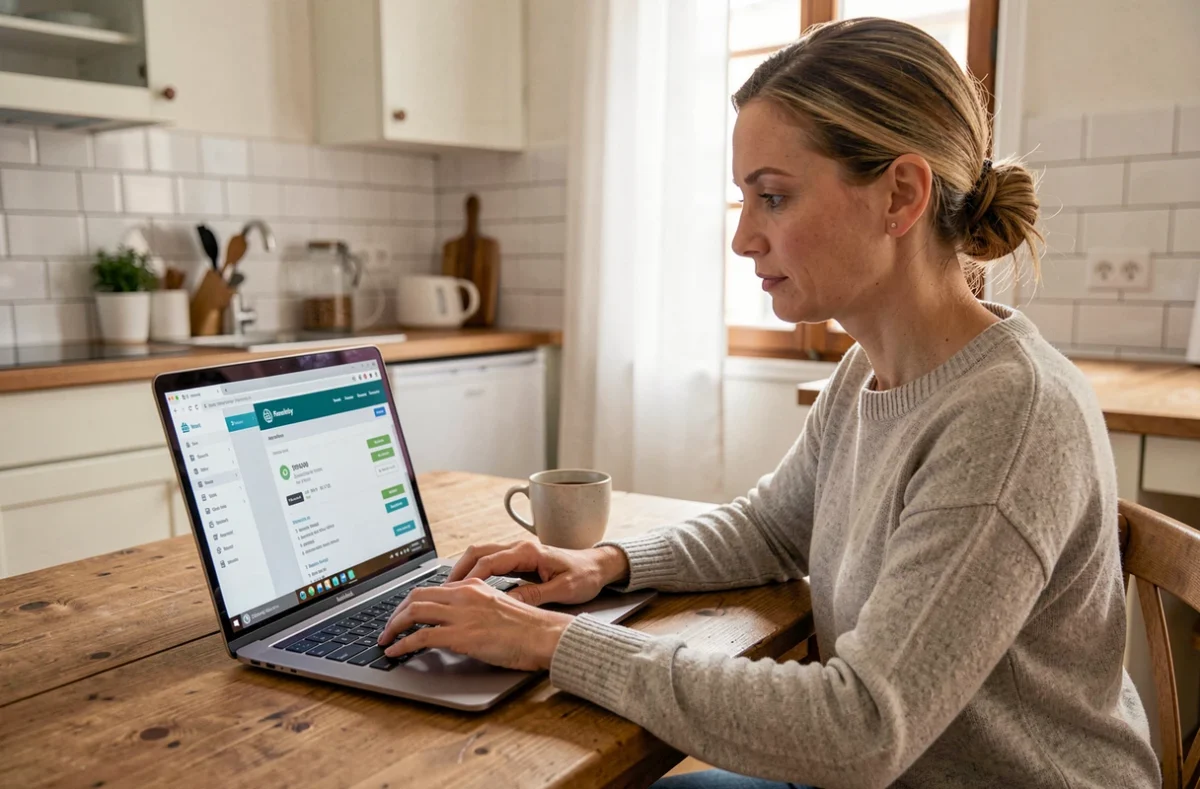
You open your browser, click your usual bookmark, and an error appears. Your saved password no longer fills in automatically. This scenario has become a regular occurrence for Banque Chalus customers since the move to a new online banking area. Understanding why it happens—and how to restore access in just a few minutes—can save you a lot of frustration.
Unable to log in after the migration: understanding the Banque Chalus issue
Banque Chalus has moved its personal banking customers to a new online area. The web address has changed, but your login details remain the same. The problem lies elsewhere.
If you saved the old page as a bookmark, that link now points to an outdated URL. Your browser tries to load a page that no longer exists or redirects incorrectly. The result: a blank screen, an error message, or an endless loading loop.
Another common issue is that login details saved by your browser are not carried over to the new interface. Chrome, Firefox, and Safari link a username/password combination to a specific address. When the address changes, autofill no longer kicks in. You haven’t lost your login details; they’re simply linked to the old domain.
Getting back in takes three simple steps. Go directly to banque-chalus.fr, then open the “Personal” section and click “Access my accounts.” Enter your username and password manually. Once you’re logged in, bookmark the new page and delete the old shortcut. If you’ve forgotten your password, you can still reset it from the login page.
A detailed guide to the Banque Chalus personal online account walks beginners through each step with screenshots.
Banque Chalus online banking: everyday transactions available online
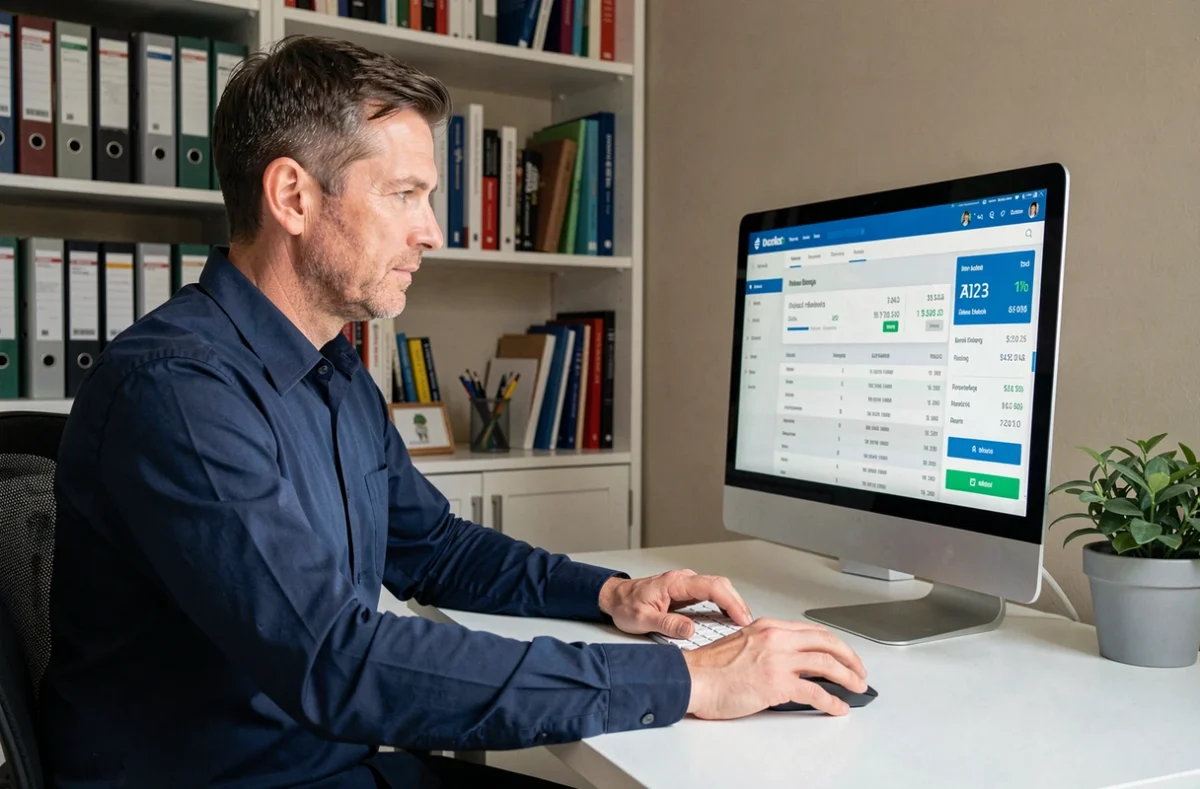
Once you’ve restored access, the online banking area brings together the features you use every day. You don’t need to know banking jargon to find your way around.
Check your balance and transaction history
The home page displays the balance of each account (current, savings, and joint). Below, your transaction history lists recent activity by date. You can filter by time period or transaction type (transfers, direct debits, card payments).
Spotted a charge you don’t recognize? The details for each transaction show the merchant or organization. If you’re still unsure, dispute the transaction directly through the secure messaging service in your online banking area rather than by phone: this creates a written record.
Transfer money between accounts or to someone else
You can make two types of transfers through the online banking area:
- An internal transfer between your own Banque Chalus accounts (for example, from your current account to your savings account), processed in real time.
- An external transfer to a beneficiary’s account at another bank. You first need to add the recipient’s bank details, then wait for a verification period—usually for security reasons—before you can send money.
- A one-off or recurring transfer: choose a single payment or set up regular payments, which is useful for rent or child support.
Add a beneficiary before you urgently need to send them money. Verification can take one to two business days, which could delay an urgent transfer if the recipient hasn’t already been added.
Manage your bank card
From the online banking area, you can check your card’s payment and cash withdrawal limits. You can change some settings without contacting your advisor, including enabling or disabling payments abroad and temporarily blocking your card if it’s lost. Blocking your card online takes less than two minutes and saves you from having to wait for your branch to open.
Banque Chalus online account security: habits to adopt
Online banking depends on trusting the security of the system. Banque Chalus uses strong authentication, but some of the responsibility for protecting your account rests with your own habits.
- Change your password at least once a year. Choose a combination that doesn’t include your date of birth, postal code, or pet’s name.
- Never log in over public Wi-Fi (at a train station, café, or hotel) without a VPN. These open networks can allow someone else to intercept data exchanged between your device and the server.
- Never share your username or password by email or phone. Banque Chalus will never ask you for them, whatever reason someone gives you.
- Enable SMS or app notifications for every transaction. That way, you can spot suspicious activity in real time instead of finding it three weeks later on a paper statement.
If you receive a phishing attempt (an email impersonating Banque Chalus and asking you to “verify your account”), don’t click any links. Type the website address into your browser yourself.
Banque Chalus mobile app: a complement, not a replacement
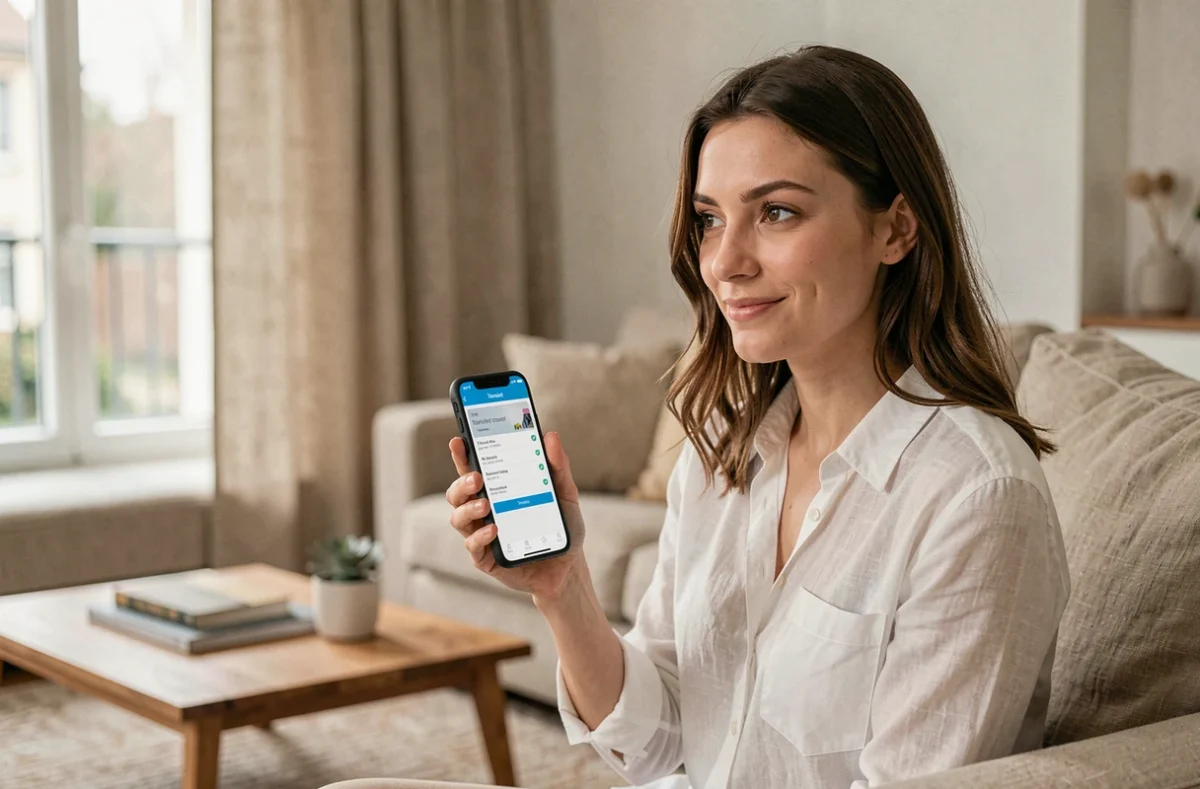
The mobile app includes the main features of the online banking area: checking your balance, making transfers, and managing your card. It also lets you receive instant notifications whenever there’s activity on your account.
Why call it a complement? Some transactions are only available in the browser version, such as changing your personal details or adding certain beneficiaries, depending on the circumstances. The app is ideal for quickly checking your balance or approving a pending transaction, but the web version offers more features for administrative tasks.
Download the app only from official stores (App Store, Google Play). Versions found on third-party websites may contain malware.
Most personal banking customers in France now manage their accounts online. For those discovering Banque Chalus’s online banking area after the migration, the biggest hurdle is often the first one: finding the right address and entering their login details manually. Once you’re past that point, everyday banking takes no more than five minutes.